Download
Grab the Mac or Windows installer and open it.
Mac build is signed and notarized by Apple, so it installs like a normal app.
 Icon Sizes
Shipping an app means preparing a pile of icon sizes. Drop in your image, pick the platforms, hit export. Install once, use whenever. Free.
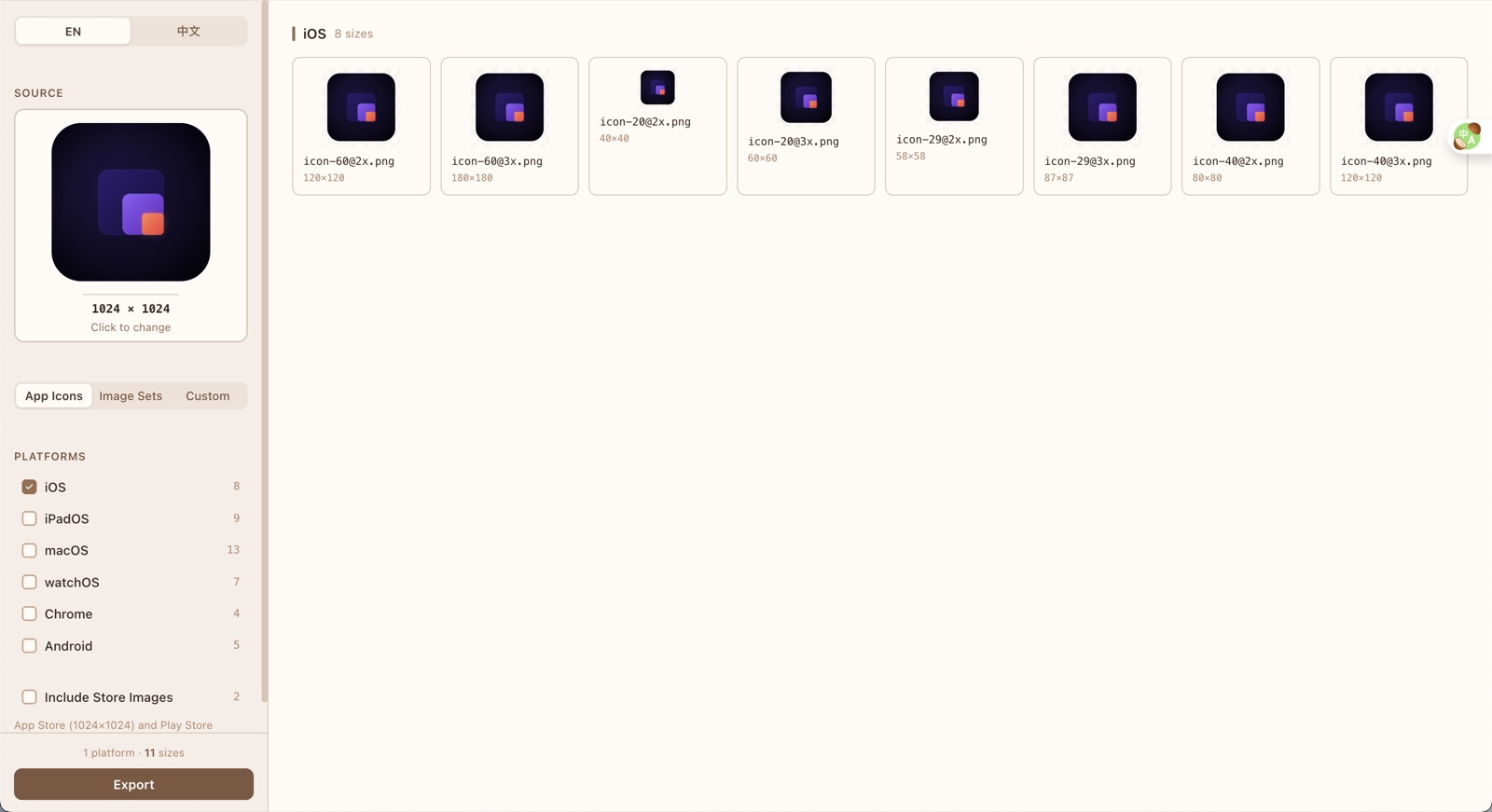
Install once, open whenever you need it, tick the platforms, and export. No more resizing the same artwork platform by platform.
| Upside | Downside | |
|---|---|---|
| A tool in the browser | Nothing to install | You have to find it again every time |
| Design-tool plugins | Stay inside your design file | Often one platform, sometimes paid |
| Icon Sizes | Install once, multi-platform export, free | You install an app first |
Grab the Mac or Windows installer and open it.
Mac build is signed and notarized by Apple, so it installs like a normal app.
You can. Setup notes are in the GitHub repo. Most people can just download the installer.
Yes. Free and open source.
No. Your images stay on your computer.
iPhone, iPad, Mac, Android, image sets, Chrome extensions, website icons, and store images.
A 1024×1024 PNG works best.
Yes on Mac with Apple silicon, and on Windows. Download the installer and open it.